Turkish Army War Simulator Controls & Interface
Stop fumbling menus mid-firefight — learn the client habits that matter.
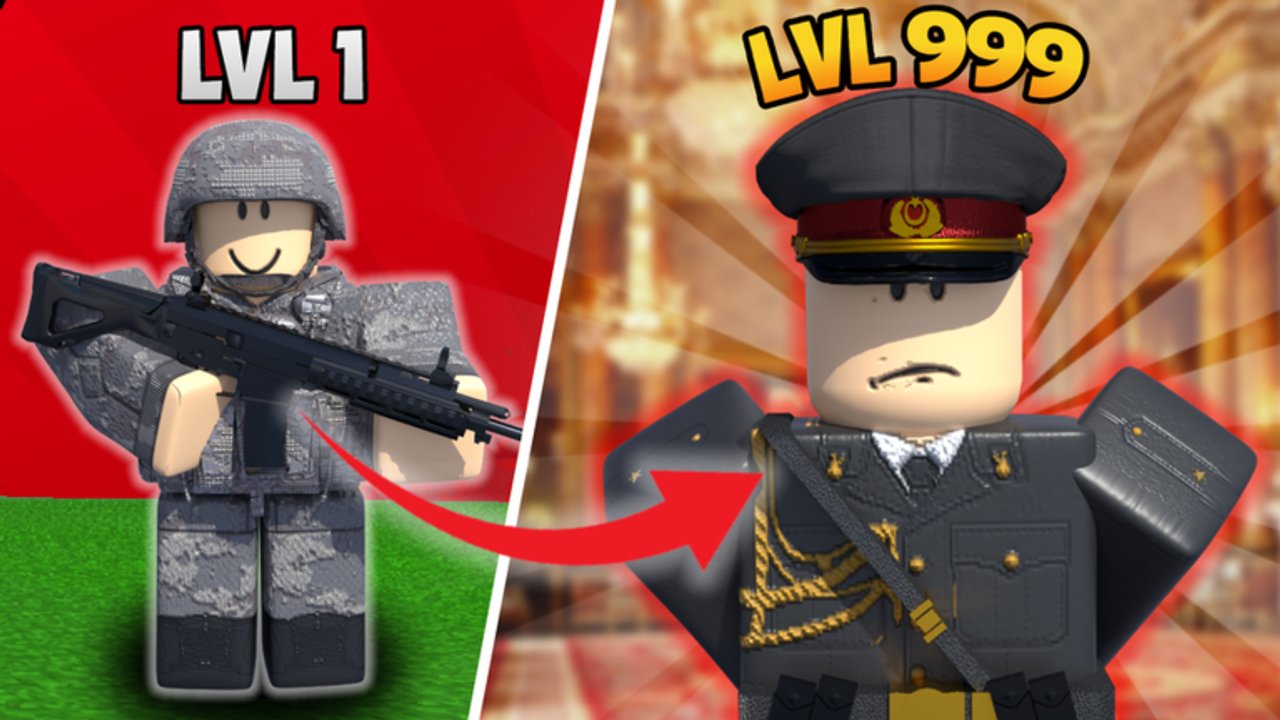
Default Roblox foundation
Turkish Army War Simulator uses the standard Roblox character controller with army-specific menus layered on top. Master vanilla movement first, then learn TA UI panels. This page complements getting started and every combat tip on the weapons tier list.
Movement & camera
| Action | Typical default | Tip |
|---|---|---|
| Move | WASD / left stick | Strafe while ADS on controllers |
| Jump | Space / A button | Do not bunny-hop into MP sightlines |
| Camera | Mouse / right stick | Lower sensitivity until AWP flicks stabilize |
| Sprint | Check settings bind | Save stamina-like pacing on long desert runs |
| Shift lock | Shift (PC) | Strongly recommended for keyboard gunplay |
| First / third person | Scroll / in-game toggle | Third person helps corners; first person helps precision |
If your character feels “floaty,” it is usually camera FOV + sensitivity, not a secret branch buff.
Combat basics
- Click / trigger to fire; learn reload cadence before buying M249.
- Aim for upper chest when spray weapons bloom.
- Pre-aim common Dust and Cache angles instead of reacting late.
- On Tank VS, remember RPG timing beats panic shooting the hull forever.
- Sword Fight rewards movement literacy more than expensive passes.
Army UI panels
Exact button labels can be Turkish, English, or mixed depending on the build. Expect access to:
- Shop / gamepass reminders
- Rank or honor readouts (Onur Puanı)
- Teleports to training and maps (Çöl Şehri, Yeraltı üssü, operations, etc.)
- Branch or team interfaces
- Settings / audio
When a new update ships, spend two minutes remapping where those buttons moved before you join a ranked-feeling op.
Chat & social controls
/or the chat bar for text orders- Keep briefs short during live fire
- Mute griefers instead of feeding them
- Do not paste loadstrings into chat — that belongs nowhere near public channels (scripts warning)
Voice chat may be unsupported on the experience depending on Roblox settings; plan for text SOP either way.
Mobile vs PC
PC with shift lock is the comfort pick for precision passes like AWP. Mobile can still complete training and enjoy roleplay — just expect tougher sniper duels. Auto-fire assists are not a replacement for learning peek timing.
Quality-of-life checklist
- Set a sensitivity you can track smoothly left-to-right across Çöl Şehri streets.
- Bind a comfortable key for the main army menu if the client allows customization.
- Lower graphics if desert heat haze tanks your FPS mid-fight.
- Turn on performance stats briefly to diagnose hitching vs skill issues.
- Fullscreen on PC reduces accidental taskbar deaths — yes, those count.
Training-place controls mindset
Education servers punish distraction. Alt-tabbing during instructor prompts fails more recruits than enemy AI. Put Discord on another screen if you must, but keep eyes on the TA prompts. More tips in the training guide.
Branch-specific UI notes
- MP / Jandarma: practice detain / interaction tools in calm hubs before live incidents.
- Börü: learn silent movement and quick menu exits so GUIs do not cover sightlines.
- Hava: confirm specialty controls each patch — air tools change more than rifles.
- Land: prioritize clean reload + peek muscle memory.
Details on culture live in the branches guide.
Accessibility
- Increase UI scale if Roblox and device settings allow.
- Use headphones for directional gunfire on Cache.
- Colorblind-friendly crosshairs help on bright desert maps — experiment with executor-free overlays only if Roblox settings provide them; avoid shady injectors.
Related pages
Controls mastery is free rank. Every minute you spend cleaning sensitivity and menu memory pays out on the next operation without spending Robux.
Frequently Asked Questions
Quick answers to the most common questions.
Does Turkish Army War Simulator use custom keybinds?
Core movement follows Roblox defaults. Army menus are extra UI — learn where teleports and shop buttons live each session.
Should I use shift lock?
Yes on PC for most gunplay. It stabilizes strafing and peeking with rifle or SMG passes.
Why can’t I find the codes button?
There are no verified live codes right now, so a permanent codes UI may be absent. See the Codes Hub.
Is controller supported?
Roblox controller input works for movement and firing, but complex army menus are usually faster with mouse and keyboard.